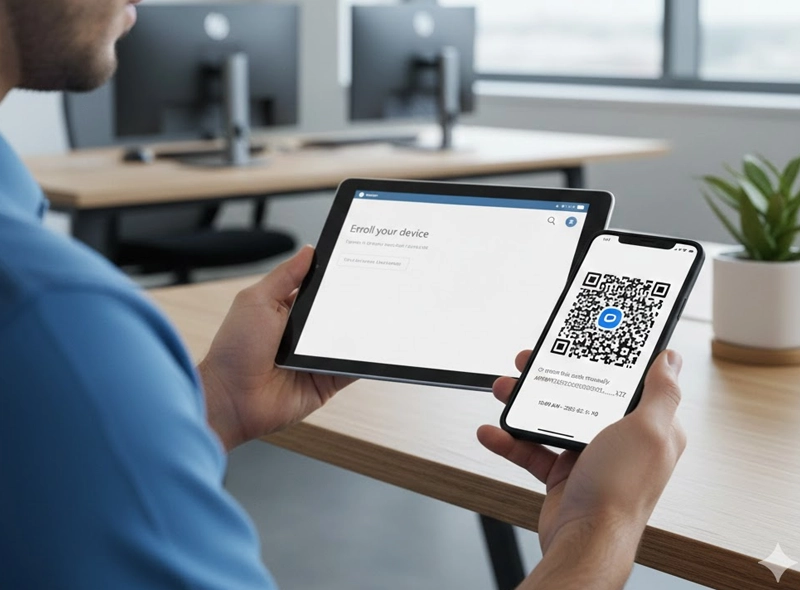
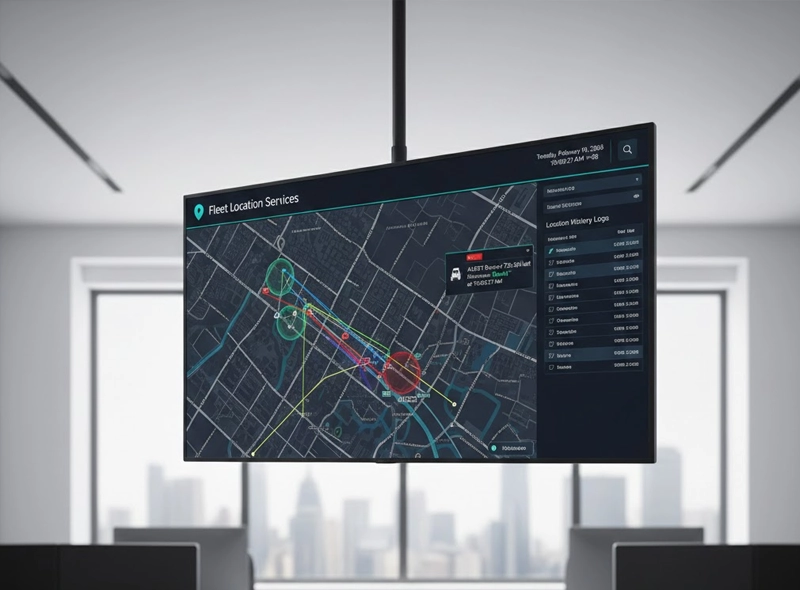
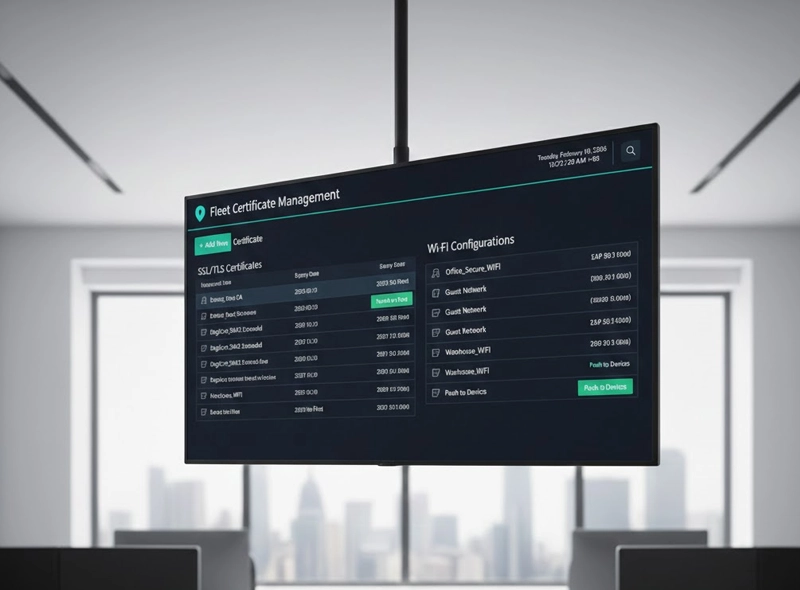
Manage Android Devices & POS Terminals
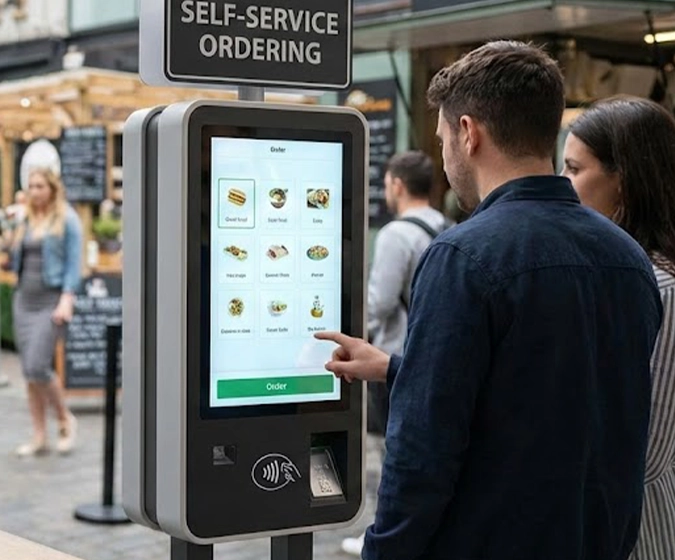
For Smart Payment Terminals and Unattended Kiosks
Your payment devices are the lifeline of your business. Our MDM ensures your Neurogine J1 terminals are strictly used for business purposes.
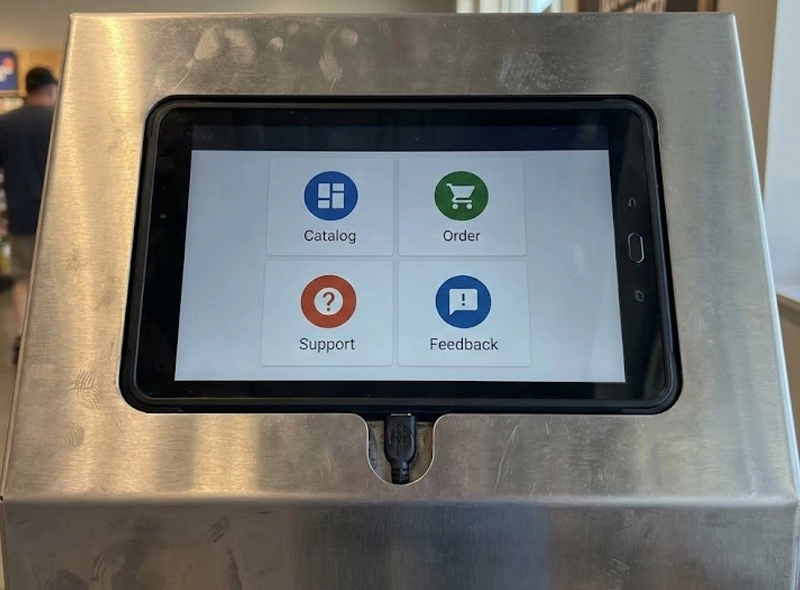
Lock the device to run only your payment application. Prevent employees from accessing settings, games, or unauthorized browsers.
View the device screen remotely to fix issues without sending a technician to the merchant site。
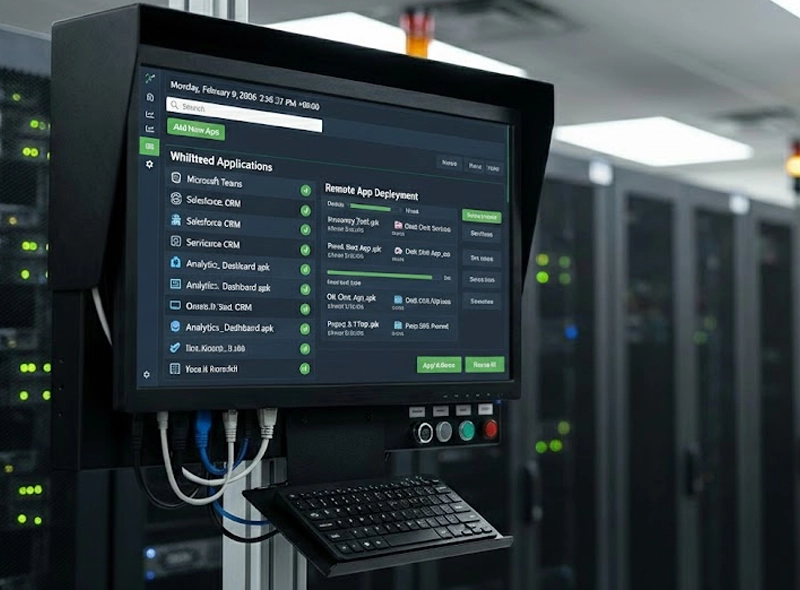
Push firmware updates during off-hours to ensure the terminal is always ready to accept payments.
Monitor and ensure the main apps is running all the time.
Enterprise Policy & Workforce Mobility
For Corporate-Owned Mobile Devices
Secure your company data while empowering your workforce.
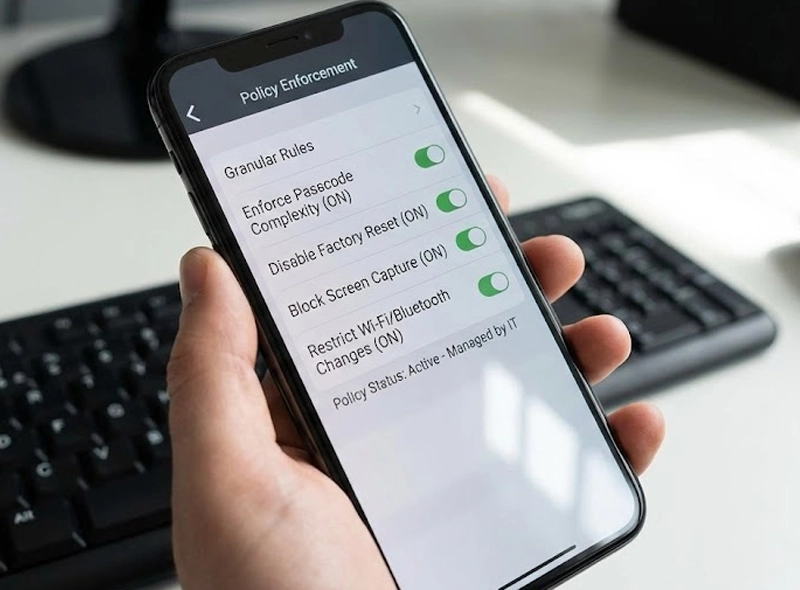
Enforce policies that keep corporate emails and files encrypted and separate from personal data.
Ensure all devices meet your security standards (e.g., strong passwords required, camera disabled in sensitive areas) before they can access the network.
Instantly lock or wipe a lost device to prevent catastrophic data breaches.