Welcome to Neurogine MDM
Complete Control Over Your Android Fleet

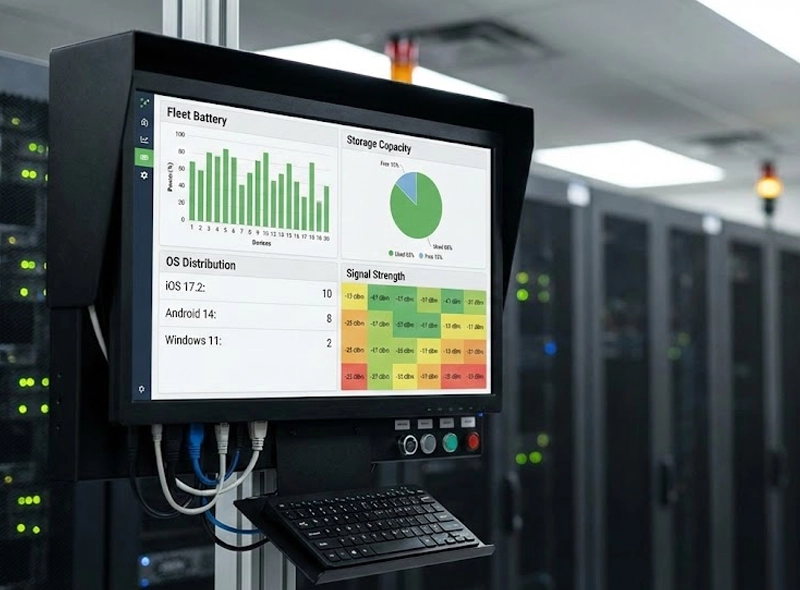
Monitor device health, battery, and compliance across your entire Android fleet in real-time.

Welcome to Neurogine MDM
Silent App Updates

Push critical updates to Neurogine J1 terminals without disrupting operations.

Green energy innovations
Zero-Touch Onboarding

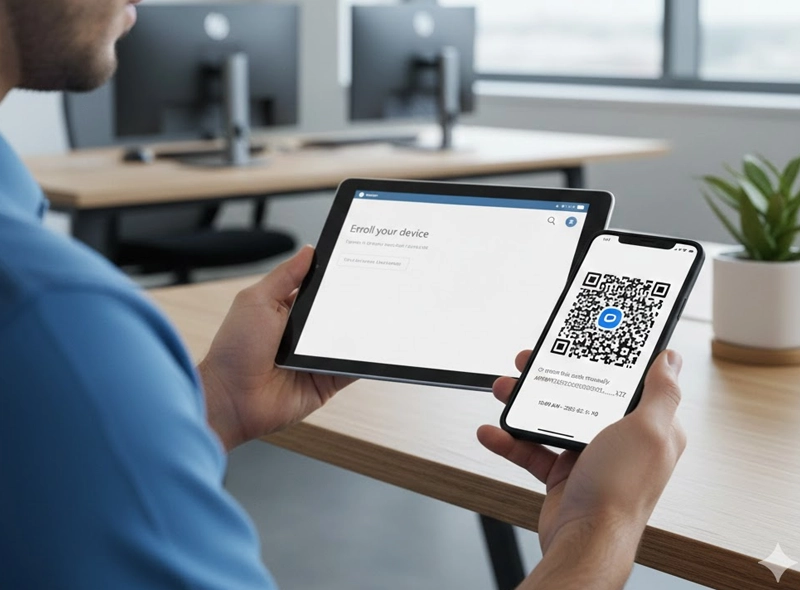
Deploy hundreds of devices in minutes using Token/QR enrollment.

Why Neurogine MDM?

Manage Android Devices & POS Terminals

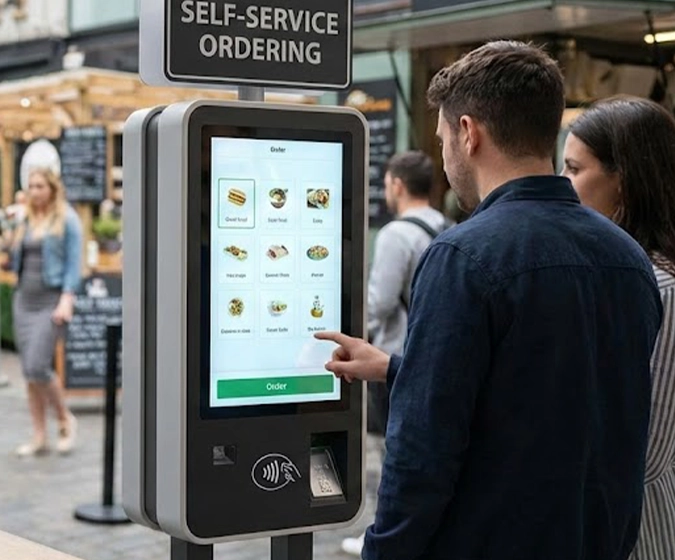
For Smart Payment Terminals and Unattended Kiosks

Your payment devices are the lifeline of your business. Our MDM ensures your Neurogine J1 terminals are strictly used for business purposes.

01
Kiosk Mode

Lock the device to run only your payment application. Prevent employees from accessing settings, games, or unauthorized browsers.

02
Remote Troubleshooting

View the device screen remotely to fix issues without sending a technician to the merchant site。

03
Uptime Assurance

Push firmware updates during off-hours to ensure the terminal is always ready to accept payments.

04
App Monitoring

Monitor and ensure the main apps is running all the time.
Enterprise Policy & Workforce Mobility

For Corporate-Owned Mobile Devices

Secure your company data while empowering your workforce.

01
Data Separation

Enforce policies that keep corporate emails and files encrypted and separate from personal data.

02
Compliance

Ensure all devices meet your security standards (e.g., strong passwords required, camera disabled in sensitive areas) before they can access the network.

03
Lost Device Protection

Instantly lock or wipe a lost device to prevent catastrophic data breaches.

Key Features

Comprehensive Device Management

View battery levels, storage usage, OS version, and signal strength across your entire fleet.

Application Management

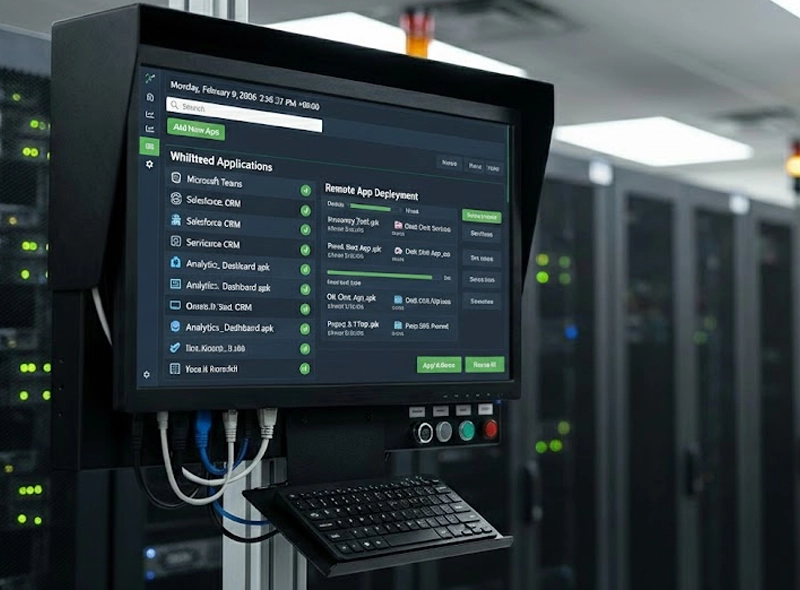
Whitelist specific apps, silently install/uninstall APKs, and manage app permissions remotely.

Lockdown Mode (Kiosk)

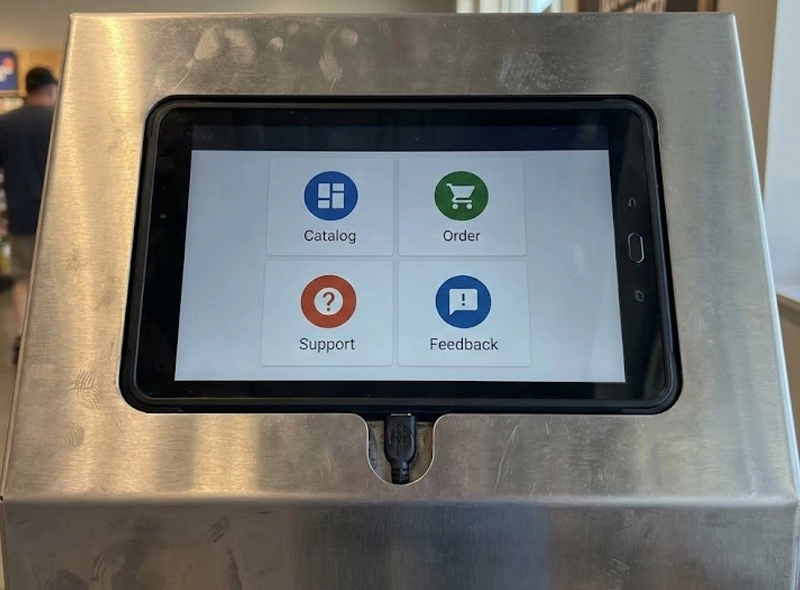
Restrict the device to a single app or a multi-app launcher. Disable status bars, USB file transfer, and hardware buttons.

Policy Enforcement

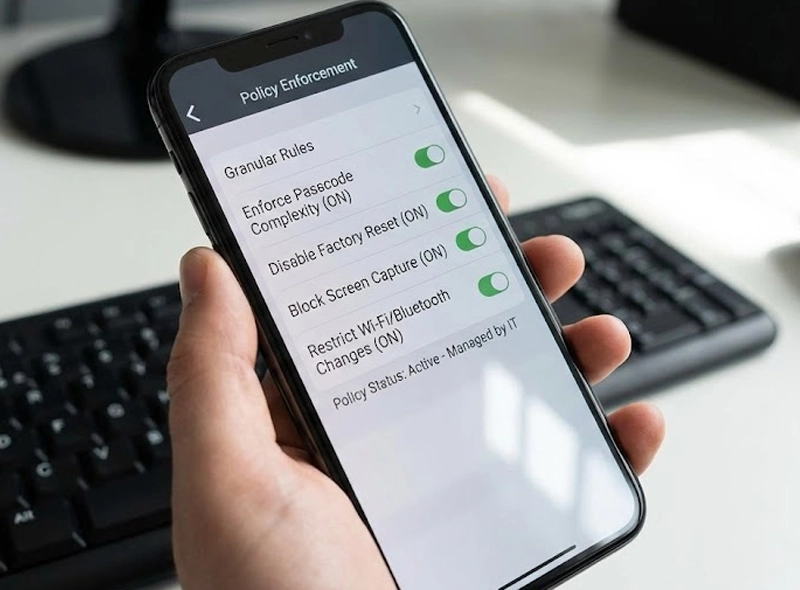
Set granular rules: Enforce passcode complexity, disable factory reset, block screen capture, or restrict Wi-Fi/Bluetooth changes.

Token Onboarding (Android Enterprise)

Enroll devices simply by scanning a QR code or entering a DPC token during the initial setup.

Location Services

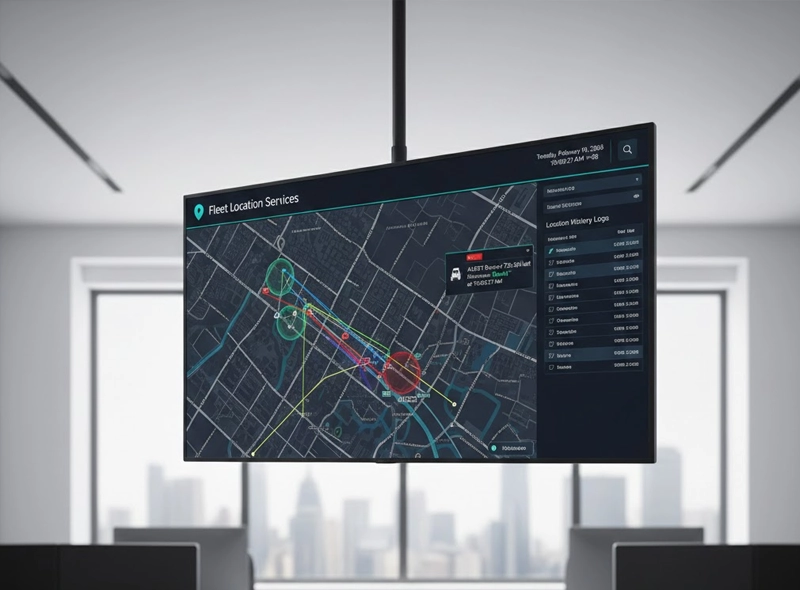
GPS tracking, location history logs, and Geofencing (alerts if a device leaves a designated area).

Certificate Management

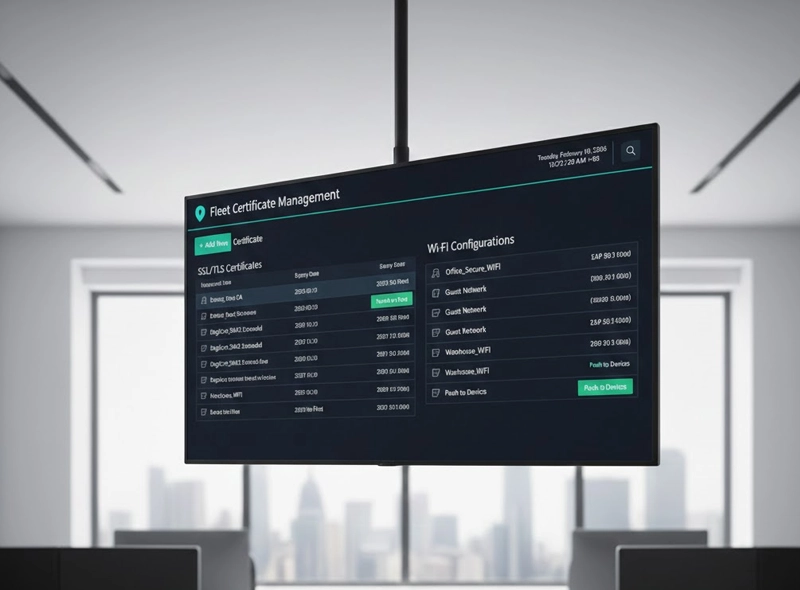
Silently push SSL/TLS certificates and Wi-Fi configurations to devices.

From Setup to Secure Fleet in Minutes
01
Create Your Account

Sign up for your Neurogine MDM administrator account. Access your central dashboard where all future management takes place.

02
Define Policy & Apps

Customize security profiles. Select required applications (including your payment apps for Neurogine J1), set password requirements, and configure Wi-Fi/VPN settings.

03
Generate Enrollment Token

Within the dashboard, initiate the deployment process to instantly generate a unique QR Code or a DPC Token for bulk enrollment.

04
Scan and Enroll

Using a brand new or factory-reset device (either your own Android smartphones or Neurogine J1/J2 terminals), simply scan the generated QR code during the device setup.

05
Automatic Provisioning

The Android device automatically detects the enrollment token, reboots, and begins the silent installation of all necessary policies, certificates, and apps defined in Step 2.

06
Ready to Launch

The devices are now locked down, fully configured, and compliant with your enterprise policy. They are secure and ready to be deployed to your retail sites or field teams.

07
Monitor Your Fleet

Log back into your Neurogine MDM dashboard to monitor the progress, check device health, view real-time location, and manage any ongoing configuration changes.

Save your precious time and effort spent for finding a solution. Contact us now
Scroll